MiniFo
MiniFo by Cappsule Technologies

Your photo, as a chibi. Mini-me. A cute chibi mini-me from whatever you point at — yourself, your cat, the neighbourhood crow. Anime-webtoon style, zero training on your photos.

Pick a photo. Tap Shrink Me Down. The AI returns a cute chibi mini-me of your subject — then drag, scale and rotate it onto any wallpaper. Export as a PNG or a sticker.

RequiresiOS 18.6+ PrivacyNo training Sign-inApple, no email Rating12+
App Icon
§ 01 — How it works

Three taps.

No prompts to craft, no dials to set. Pick a subject, let the AI shrink it, drop it on a wallpaper. Done.

01
Pick a photo.
Straight from your camera or library. Vision detects the subject — person, pet, bird, whatever — and isolates a clean silhouette.
02
Shrink it down.
One tap sends it to Google's Gemini image model, which returns a stylised chibi mini-me in under a minute. Progress lives in the Dynamic Island, so you can leave the app. We don't keep the source.
03
Place & share.
Drag, scale and rotate the mini onto any background. Export the full scene as a PNG, drop the character as a sticker, or fire it straight to Instagram Stories.
§ 02 — In the wild

Three screens.

The core loop: generate, edit, look back. Everything syncs to your own iCloud — we can't read it.

Screen 01 · Generate
MiniFo home
MiniFo home screen — photo picker with Shrink Me Down button.
Screen 02 · Edit
Result canvas
Result canvas — mini character placed on a wallpaper with gesture handles.
Screen 03 · Revisit
History grid
History grid — two-column view of past minis, CloudKit-synced.
§ 03 — Sample minis

Six shrinkings.

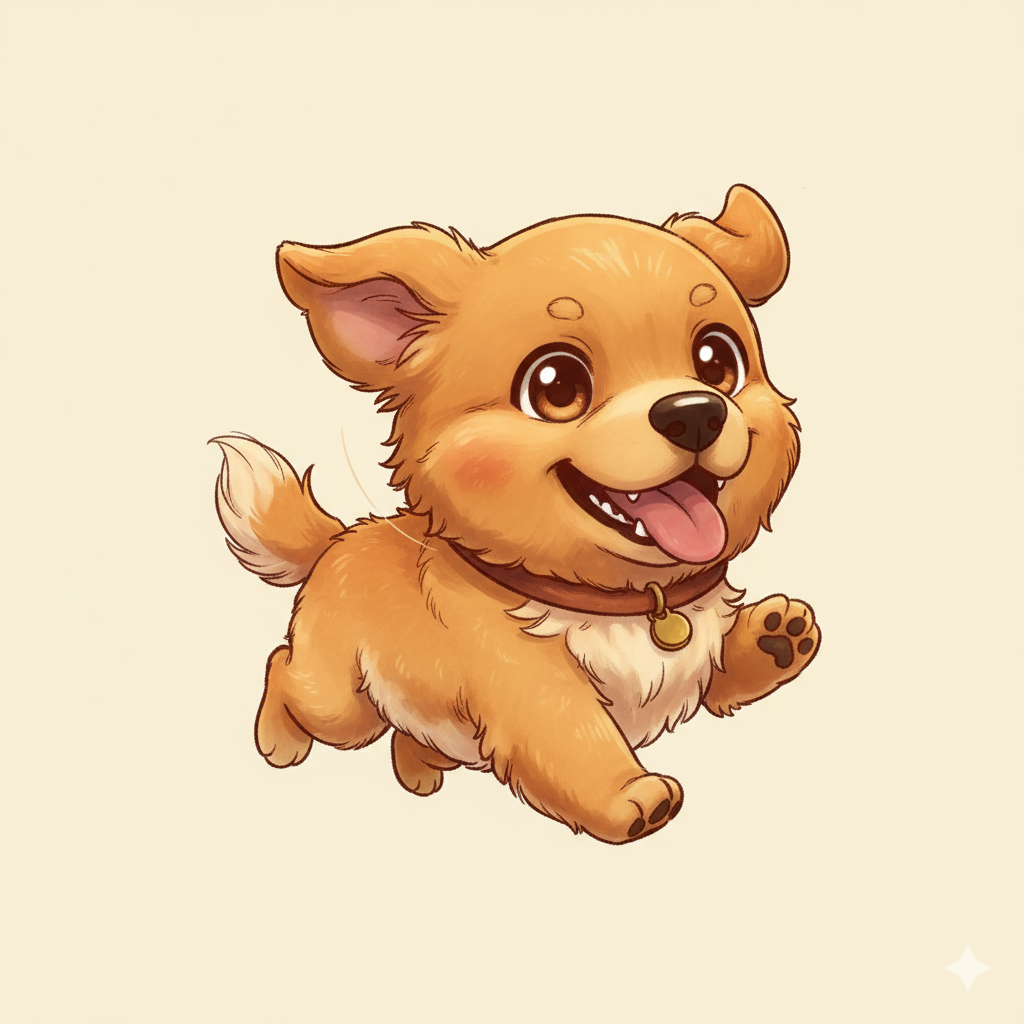
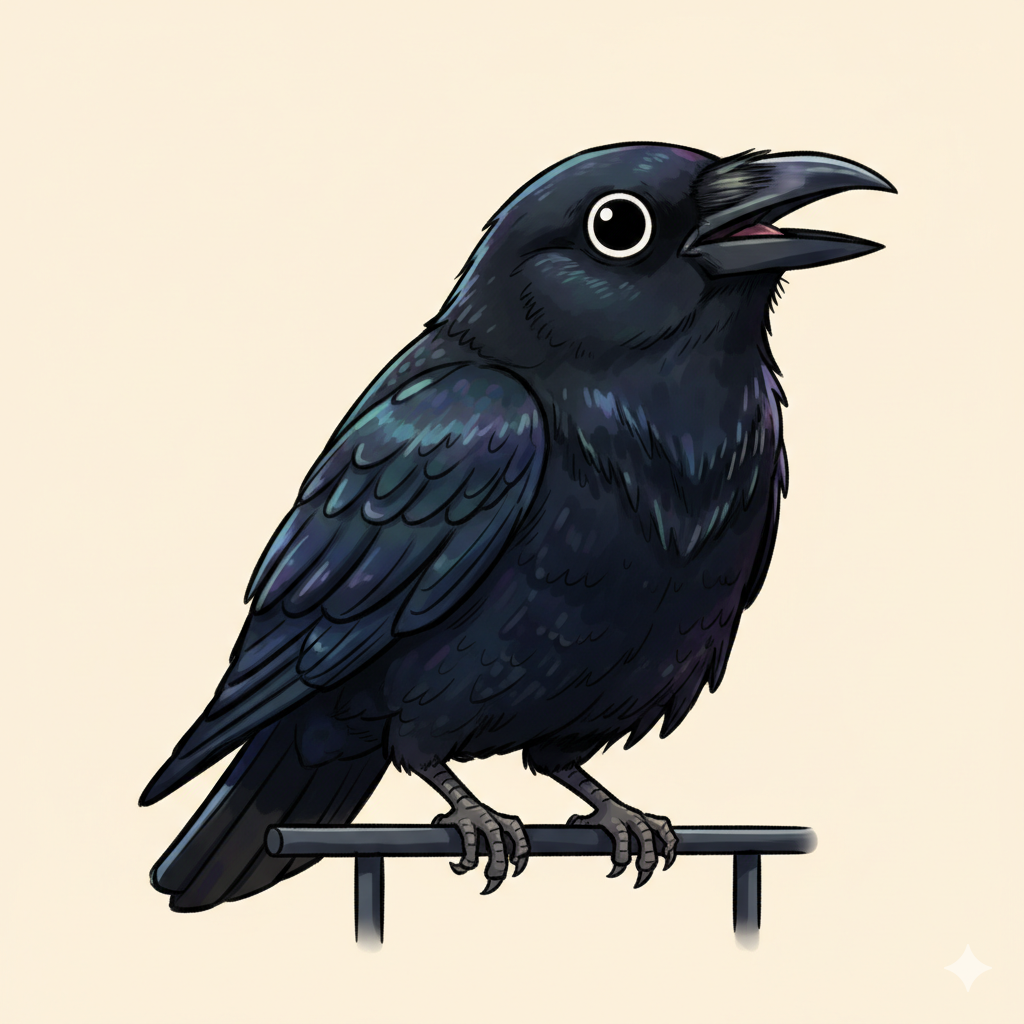
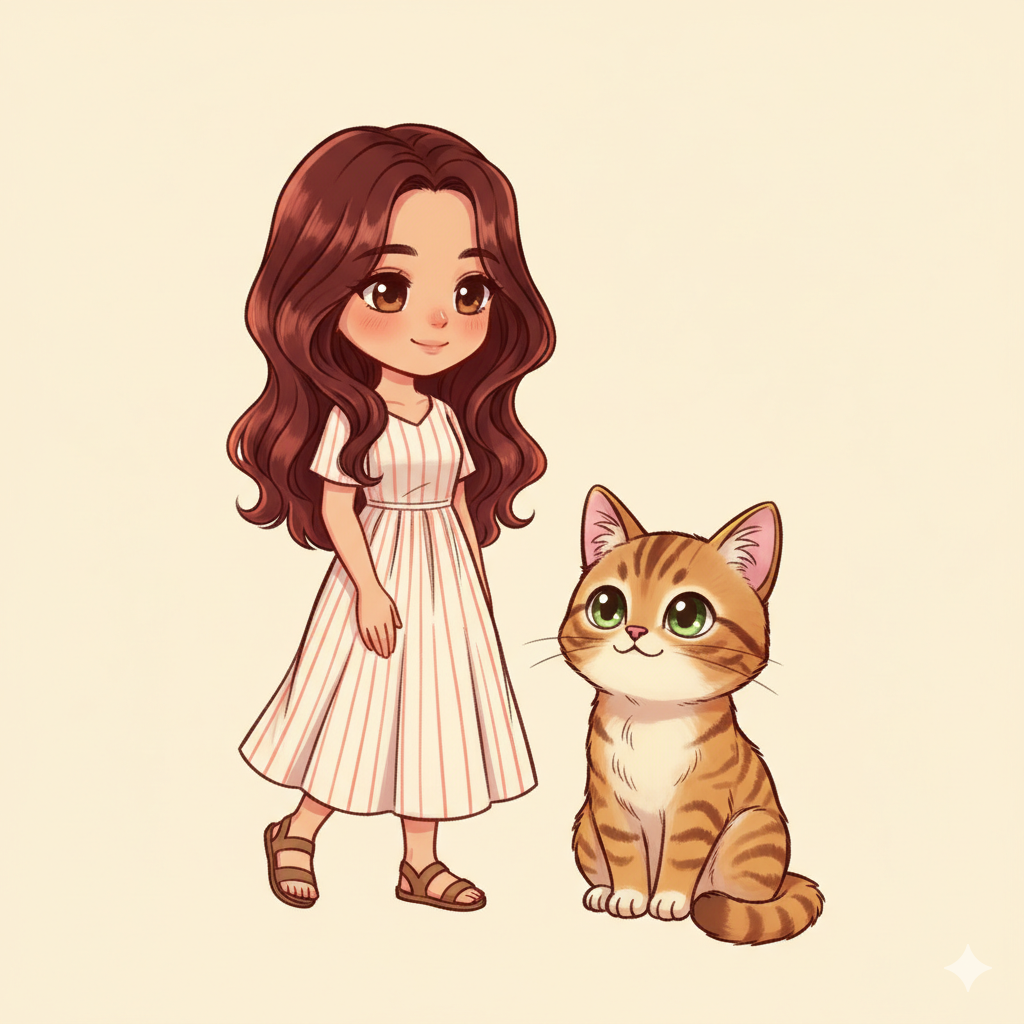
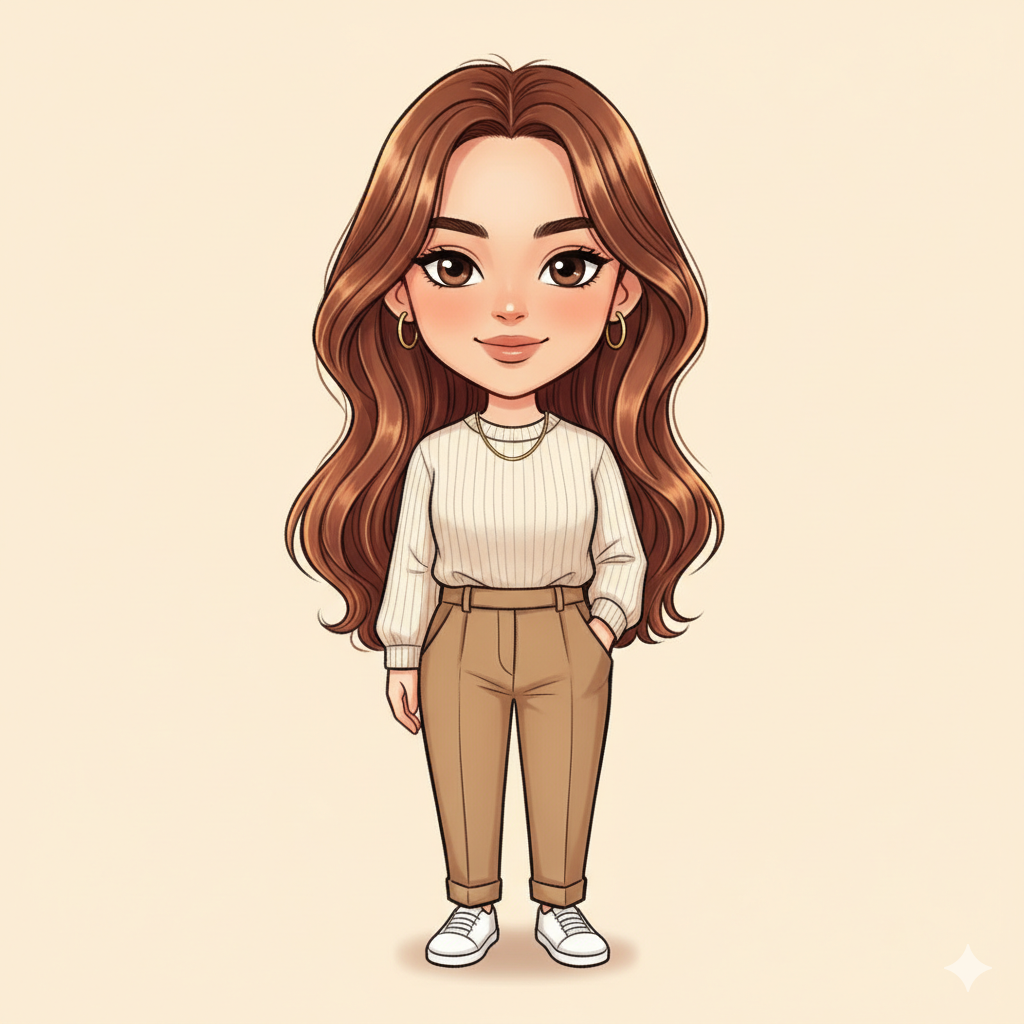
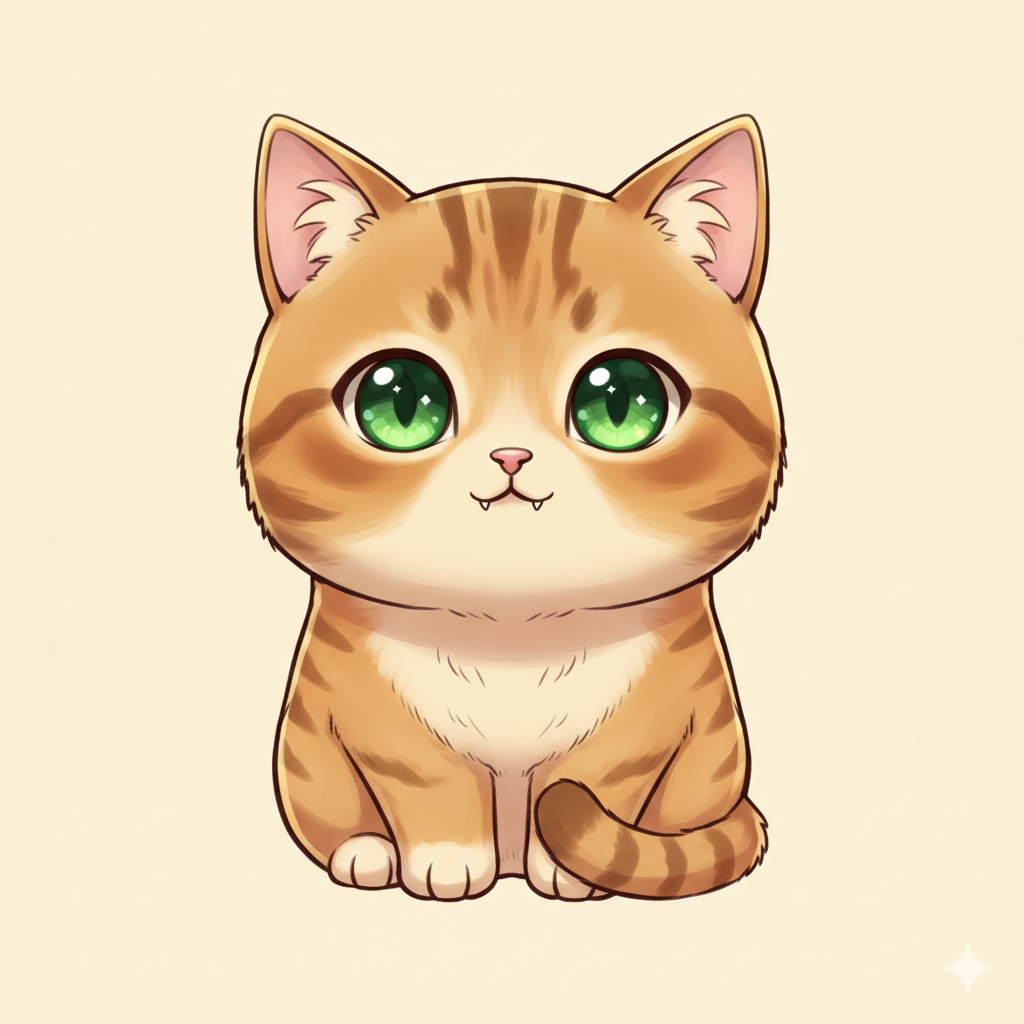
A taste of what the model returns. Style holds steady across species, poses and lighting — warm, slightly papery, a little dreamy.
§ 04 — Pricing

Free to try.

Start with three shrinkings a month. Go Pro for more headroom, HD exports and no watermark. Credit packs cover months you spill over.

§ Free
Free
No card required · start right away
  • 3 minis / 30-day rolling window
  • "Made with MiniFo" watermark on scenes
  • 20-per-day anti-abuse soft cap
  • Full history kept on your iCloud
Get the app →
§ Credit packs
Top-up
Kick in after your Pro quota runs out
  • 10, 25, 50, or 100 extra minis per pack
  • One-time purchase, no subscription
  • Stacks on top of your monthly quota
  • Available in-app under Settings → Subscription
See packs in-app →
Trial & renewal. The 3-day free trial converts into a paid subscription automatically unless cancelled at least 24 hours before the trial ends. Cancel anytime from iOS Settings → Apple ID → Subscriptions. Refunds are handled by Apple per their standard policies.
§ 05 — Built for

Small details, chosen carefully.

Native SwiftUI, Apple's Vision framework for subject masks, CloudKit for private sync, Live Activities for in-flight progress. The AI layer is the only cloud round-trip.

Private by default.
Source photos aren't retained after generation. No AI training. No ad SDKs. No cross-app tracking.
iCloud sync.
Your history lives in your private CloudKit database — automatically on every device you sign into, never visible to us.
Vision subject mask.
Apple's on-device Vision framework lifts a clean silhouette before anything leaves your phone — even with messy backgrounds.
Moderation that reads.
Google Cloud Vision SafeSearch and Gemini safety filters screen every submission. Violations reject cleanly, without eating your quota.
Live progress.
A Live Activity parks in the Dynamic Island and on your Lock Screen while your mini renders — leave the app, come back when it's ready.
Sign in with Apple.
Mandatory at onboarding — but we ask Apple for zero scopes, so your name and email never reach us. Your account is an opaque identifier, nothing more.
§ 06 — Small print

The usual questions.

What you'd ask first. If we missed something, drop us a line.

Do you keep my photos?
No. Source photos are sent to the generation pipeline and discarded as soon as the mini returns. Only the output is saved — and only to your own iCloud database, which we can't read.
Are photos used to train models?
No. Neither we nor our processors (Google Gemini, Cloud Vision) use your photos to train AI models. See our Privacy Policy for the full list of processors.
Can I use minis commercially?
Personal use is always fine. Commercial use requires a Pro subscription and compliance with Google's Generative AI usage policies. Full terms in the Terms.
What about the watermark?
Free tier exports a "Made with MiniFo" mark on composited scenes. The character itself exports clean. Pro removes the watermark on everything.
How do I delete my account?
In-app: Settings → Account → Delete Account. Removes your server-side data, revokes your anonymous Firebase ID, and wipes your local mini history from all your iCloud-synced devices.
Why does the AI sometimes refuse?
SafeSearch and Gemini safety filters reject content our policies don't allow (see ToS §2). Rejected submissions don't count against your quota.
Why Sign in with Apple?
It keeps your quota, subscription and iCloud-synced history tied to a single identity across devices — without asking for your email or name. We request zero scopes, so Apple only hands us an opaque identifier.

Pick, tap, chibi.

Cute chibi mini-mes from a camera roll. Free to try — three minis a month, on the house. Pro when you're ready.

Download on the App Store
iOS 18.6 or later